
Learn Spine 2D through practice
Dive into the world of 2D animation and bring a cozy pumpkin character to life using Spine 2D.
In this hands-on course, you'll explore the key tools and techniques in Spine through fun, practical exercises.
Finish the course with practical skills and your own animated scene ready to share.
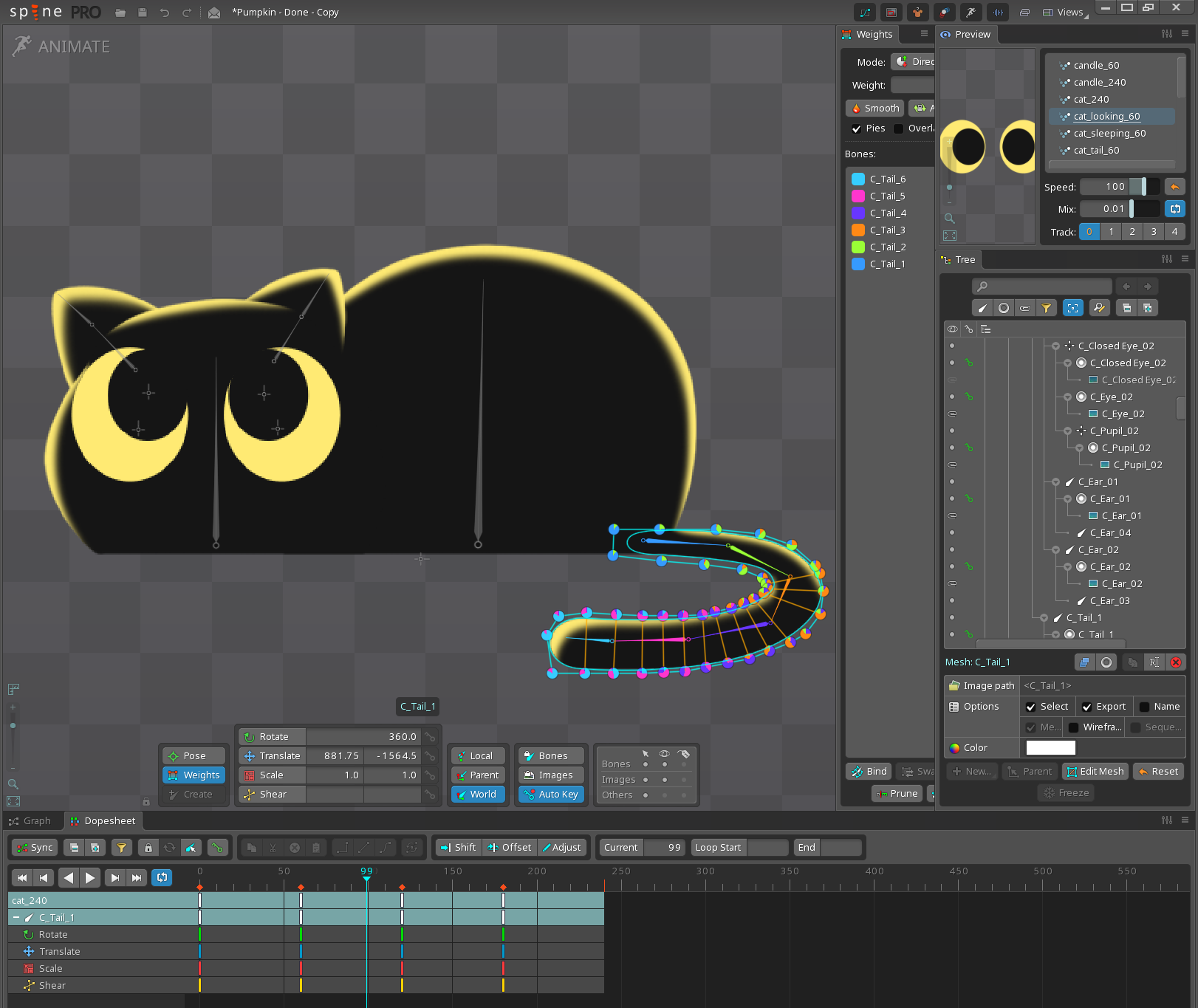
LEARN THROUGH PRACTICE
Start animating right away!
These exercises were built around common tasks Spine animators work with in their day-to-day projects. You’ll practice each skill through a focused animation task and build your scene as you go.
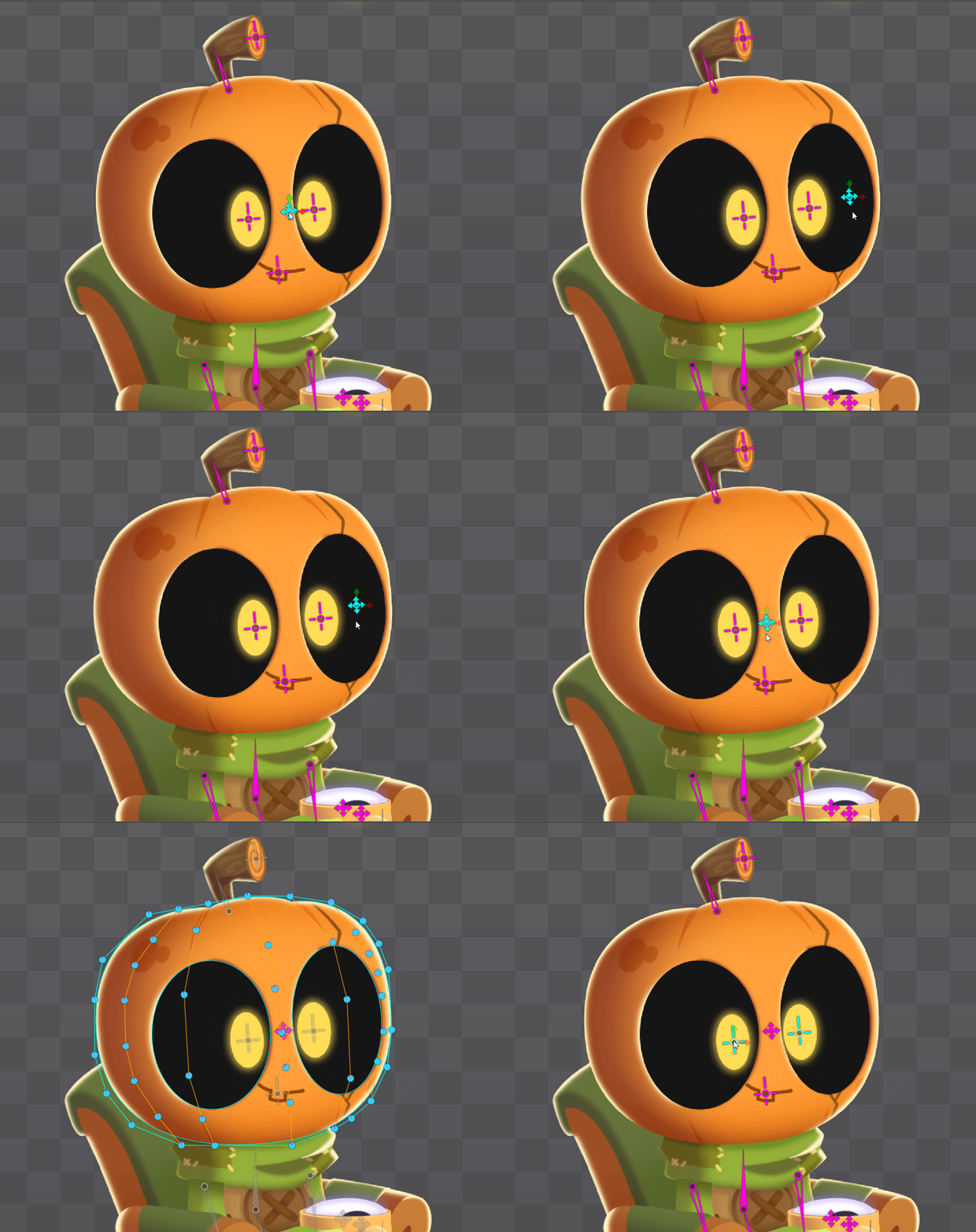
MASTER SPINE TOOLS
27 short videos. 8 animation tasks.
Learn how to use key Spine tools: meshes, masks, physics, sequences, and even pseudo-3D effects.
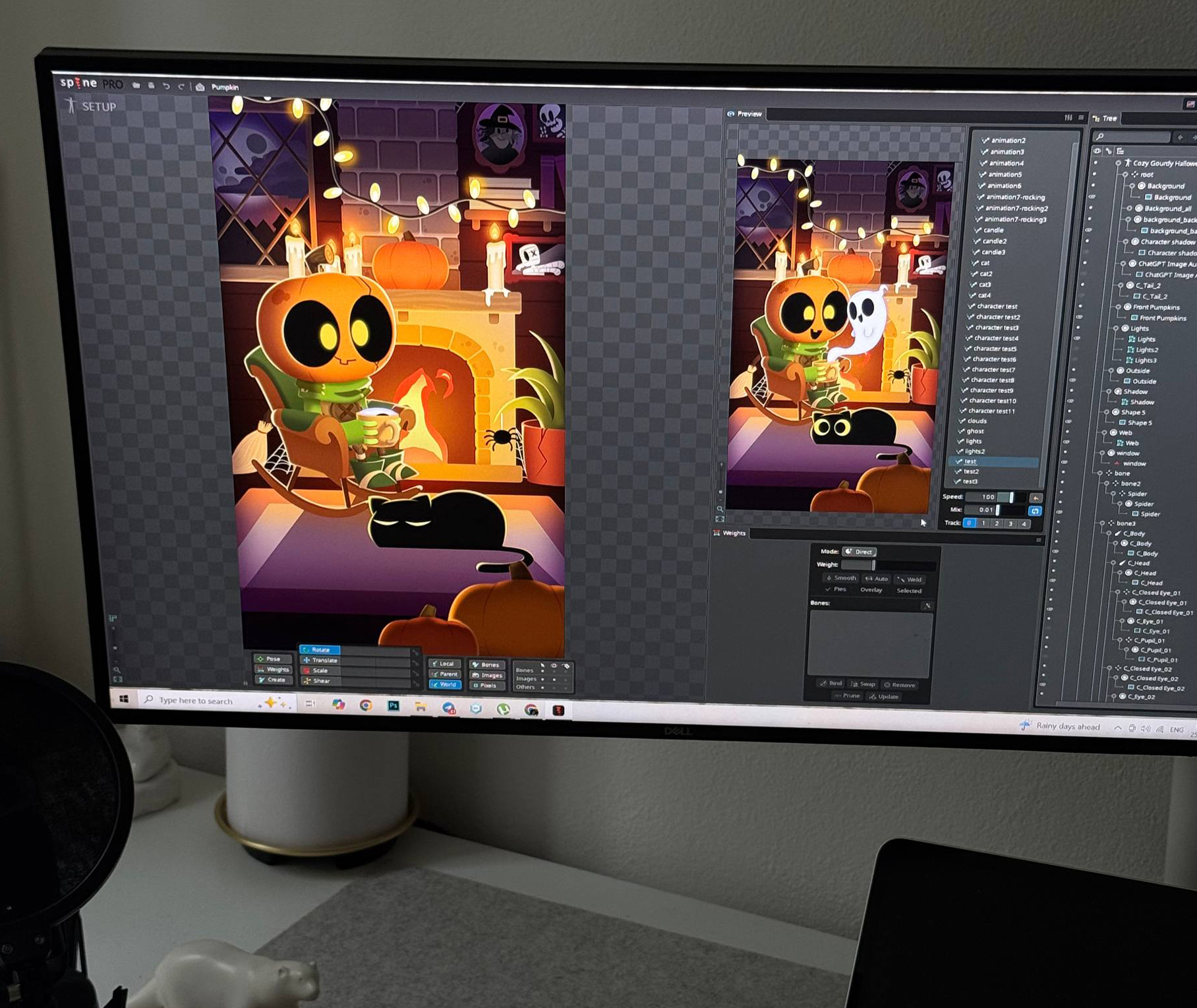
CREATE A FULLY ANIMATED SCENE
Build your scene step by step, bringing together characters, effects, environment, and animation. By the end, all the pieces will come together into one complete animated scene.
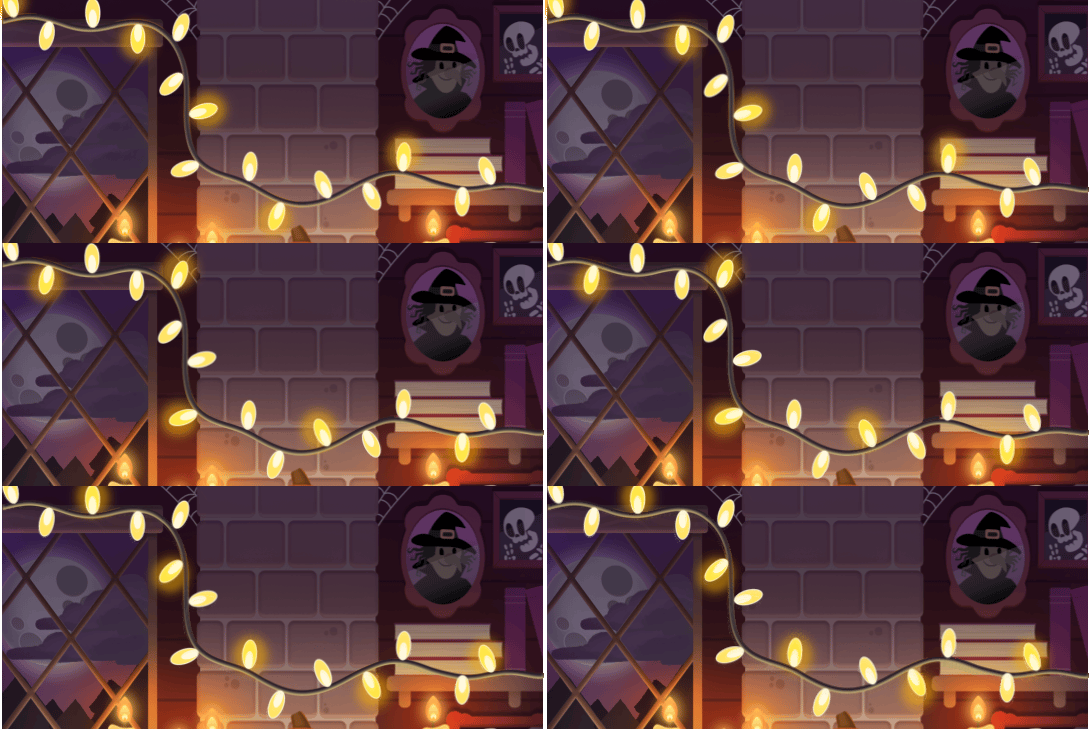
CREATE EFFECTS & DETAILS
Animate clouds, lights, fire, character details, and other small elements to give the scene more movement and atmosphere.
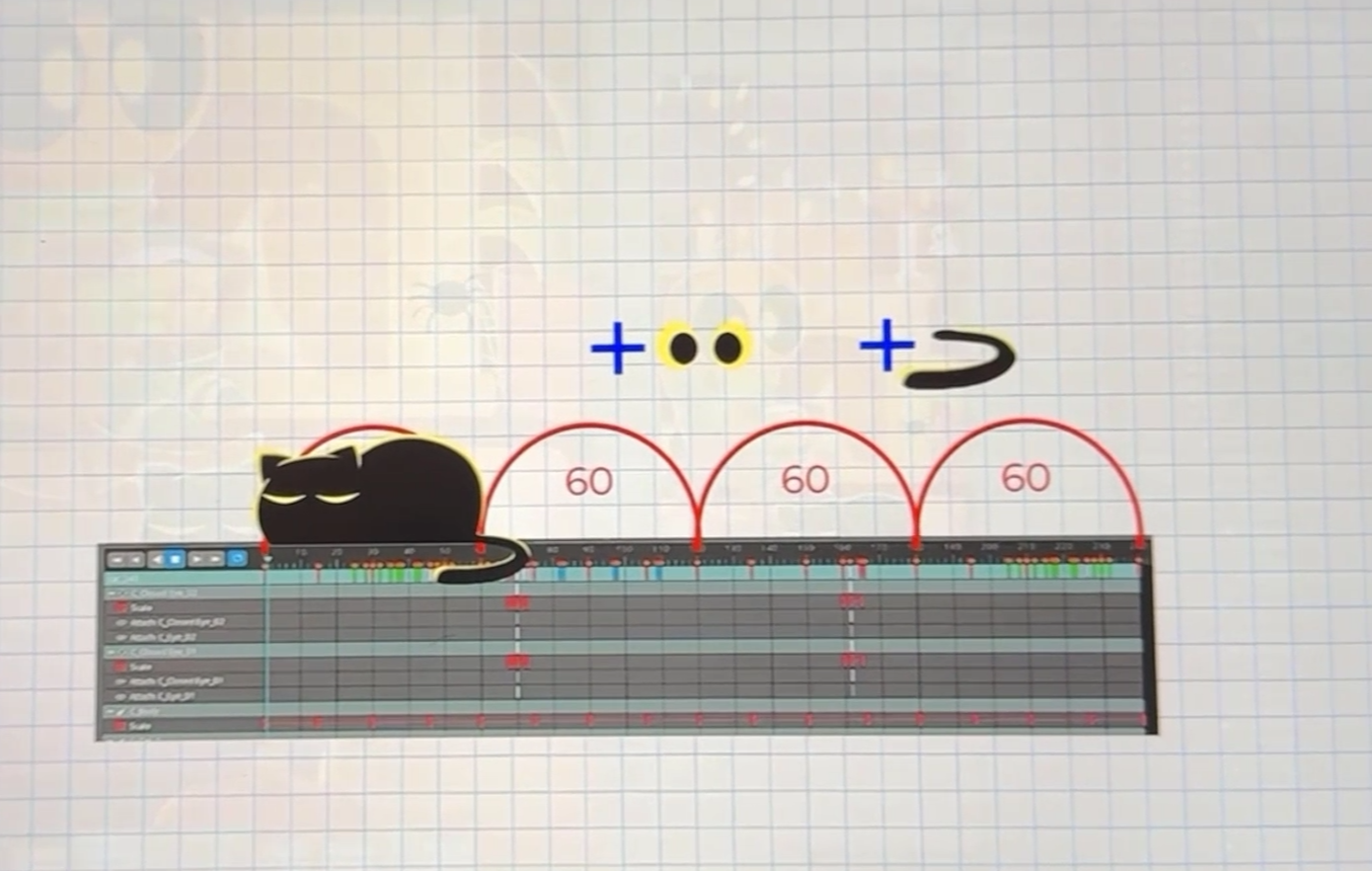
TRY TECHNIQUES USED IN ANIMATION INDUSTRY
Learn how to approach a Spine animation step by step. Each task builds on the previous one, helping you understand the process and make progress.
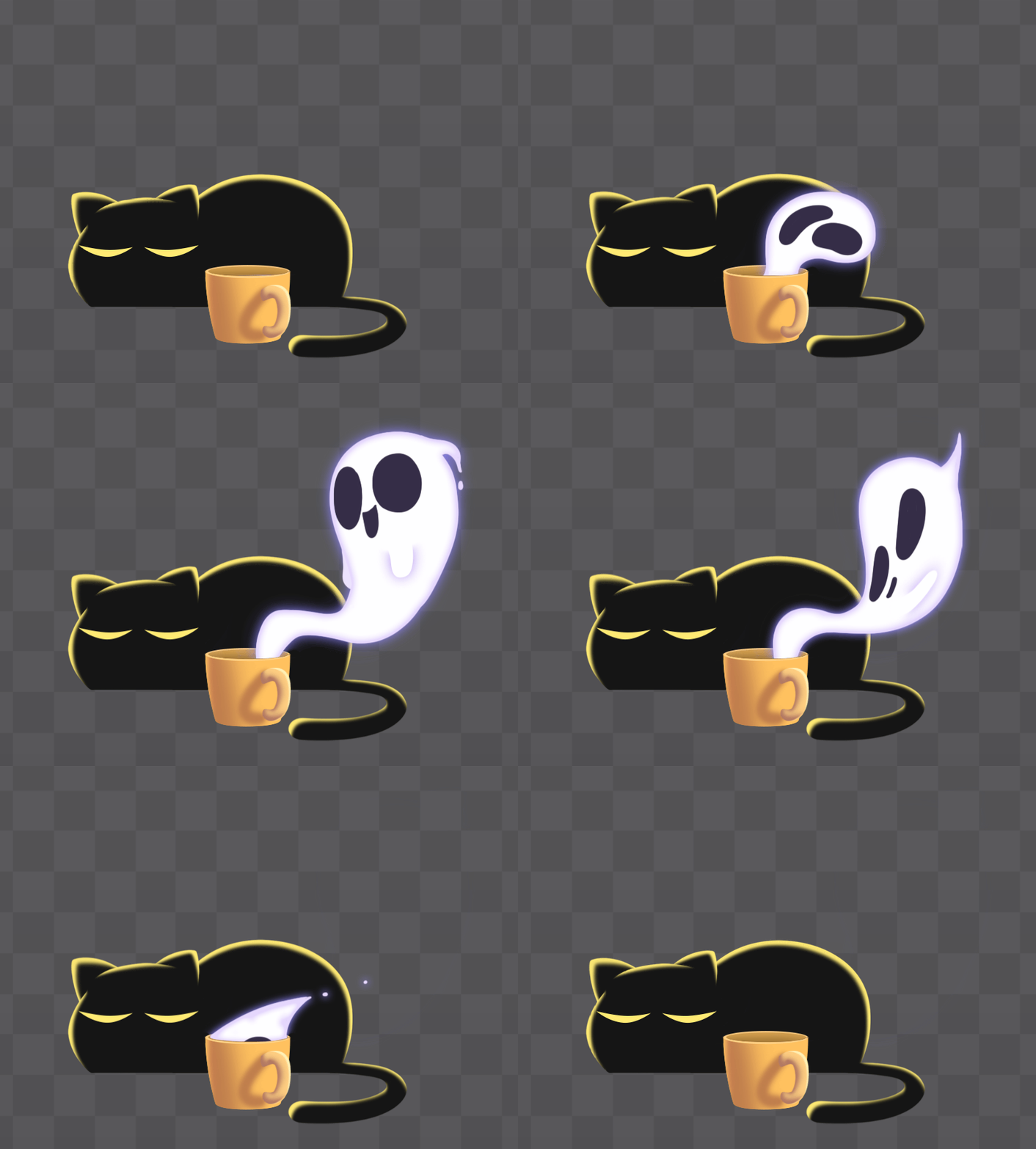
BUILD CONFIDENCE TO ANIMATE ON YOUR OWN
Finish the course ready to open Spine and start creating your own animations.
What you’ll explore
✓ Build your first simple rigs with bones, meshes, slots, and attachments.✓ Try different animation techniques — from bone animation to image sequences and physics.✓ Experiment with meshes and deformation to create soft, natural movement.✓ Create simple looping animations and learn how to reuse and modify them.✓ Play with animation timing, offsets, and cycles to bring your scene to life.✓ Get hands-on with IK and Transform Constraints through practical mini-projects.✓ Experiment with a pseudo-3D head turn using Transform Constraints.✓ Combine simple animation cycles to create more varied character movement.✓ Explore masks and layering to integrate elements naturally into a scene.✓ Put everything together into one finished animated scene with characters, props, effects, and sound.
Who is this course for?
Beginners in Spine
You’re new to Spine and want someone to guide you through a real project step by step.
2D animators
You already know animation and want to add Spine to your toolkit.
Spine users who want more practice
You know the basics and want a fun project to practice your skills and create something finished.
Example Curriculum

Hi! I’m Kateryna Mohylko.
I'm a 2D animator with nearly 10 years of experience in game development and digital storytelling. I’ve created animations for games, YouTube shows, and children’s books, and have led creative teams along the way.
I know how difficult it can feel when you’re starting with a new tool and don’t know where to begin. That’s why I created this course around a set of practical exercises that make it easier to learn Spine step by step while getting familiar with the kind of tasks you may encounter in the industry.
For the course, I worked with an artist who creates characters specifically for Spine animation and designed the exercises around real, animation-ready artwork. This way, you can learn by actually making things, from your first steps in Spine to a finished animated scene.
That’s how this course came to life: a practical way to start learning Spine, build useful skills, and get a feel for how 2D animation works in the industry.
Frequently Asked Questions
- Is this course suitable for complete beginners?
Absolutely. This course was designed specifically for people who are new to Spine 2D. Instead of spending hours on theory or basic bouncing balls, you'll jump straight into animating a complete cozy scene from start to finish.
By the end of the course, you'll have an animated loop featuring a character, a sleeping cat, fire, blinking lights, and other animated elements that you can proudly share on social media or add to your portfolio.
No prior Spine experience is required.
- What will I learn?
Throughout 27 short, easy-to-follow lessons, you'll animate 8 different elements and explore many of Spine's core features, including:
- Bones and hierarchy
- Constraints
- Clipping masks
- Sequence animations
- Pseudo-3D effects
- Secondary motion
- Looping animations
- Professional workflow tips that I personally use
The goal isn't to master every feature in depth. The goal is to get hands-on experience and build confidence by creating a complete animated scene.
- Do I need to know how to draw?
Not at all.
All artwork is provided and ready to animate.
This course focuses entirely on learning animation in Spine, so you can concentrate on movement, timing, and understanding the software without worrying about creating artwork first.
- Do I need a drawing tablet?
No. A drawing tablet is not required for this course. Everything can be completed using a computer and a mouse.
- Will my old laptop be enough?
In most cases yes. Spine 2D is lightweight and runs smoothly on almost any modern computer. Nearly all 64-bit machines released in the last decade meet the minimum requirements. For minimal hardware requirements, please refer to the official Spine recommendations.
- What if I get stuck?
Every lesson includes a comment section where you can ask questions, share your progress, or request clarification.
I regularly check the comments and do my best to help students whenever possible.
If you're having trouble with the platform or the course content, support is always available.
- How long will I have access to the course?
Forever.
Once enrolled, you'll have lifetime access to all lessons and downloadable project files.
Learn at your own pace and revisit the course whenever you'd like.
- Do I need a Spine license?
Ideally, yes, but it's not required.
I specifically designed this course so that you can complete it using Spine's free trial version.
The trial includes all animation tools and features used throughout the course. The main limitation is that you cannot save or export your own Spine projects.
To make learning easier, I've included project files for every major step of the course. If you take a break or get stuck, you can simply download the next file and continue from that point.
If you'd like to export your final animation without purchasing a Spine license, you can easily record your screen using free screen-recording software.
This makes the course a great way to explore Spine before deciding whether you want to invest in a full license.
- Can I get feedback on my work?
Yes! While personal mentorship is not included in this course, I genuinely love seeing students' work.
You're welcome to share your final animation in the lesson comments, contact the school directly, or tag me on social media.
Whenever possible, I'll take a look and provide suggestions or feedback to help you improve.
Watching students grow is one of my favorite parts of teaching.
- Still have questions?
Feel free to reach out before enrolling. Whether you're unsure about the software requirements, your skill level, or anything else, I'll be happy to help.
Email: hello@animotionacademy.com